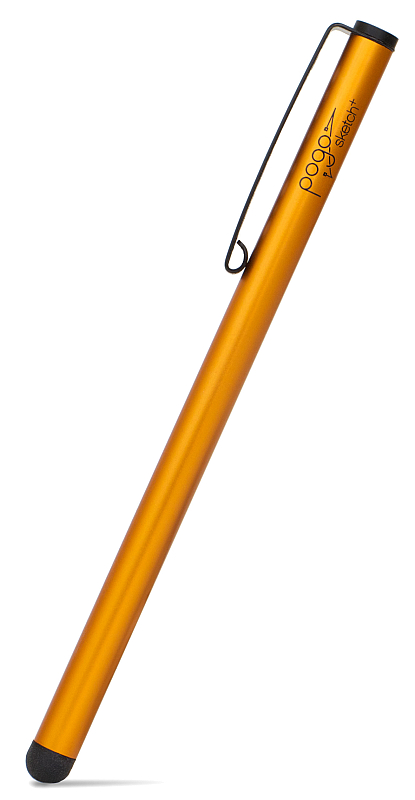
- Get Burnt Orange for $4.49

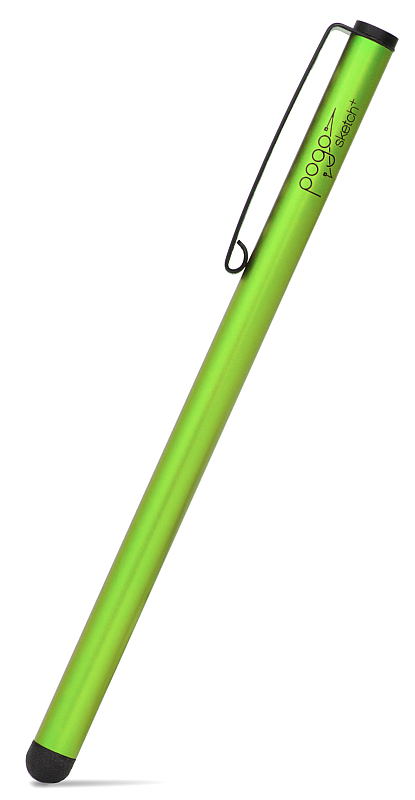
- Get Cactus for $4.49
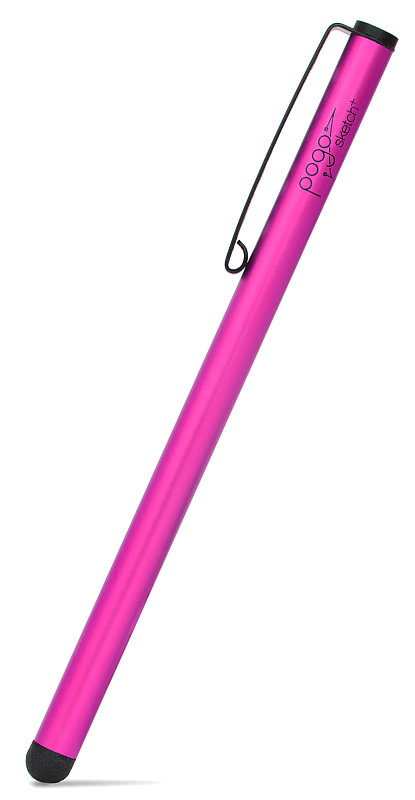
- Get Hot Pink for $4.49
- FAQs
- Gallery
- Features
Get_Burnt_Orange_for_$4.49">{"cartAdd":{"T1_SP25_107":"0"},"checkoutPage":"Clearance"}
Get_Cactus_for_$4.49">{"cartAdd":{"T1_SP25_108":"0"},"checkoutPage":"Clearance"}
Get_Hot_Pink_for_$4.49">{"cartAdd":{"T1_SP25_104":"0"},"checkoutPage":"Clearance"}
Show/Hide all answers
Which devices are compatible with Pogo Sketch+?
All iPads, iPhones, iPod touch models. Also, all Android phones and tablets made after 2009, HP and RIM tablets are thought to be compatible but are untested. All other phones are incompatible or untested. This means that although the stylus might work just fine, the user experience might not be good.
I already have a Pogo Sketch, do I need a Pogo Sketch+?
Of course you do.
What is the difference between the Pogo Stylus and the Pogo Sketch+?
The Sketch and Stylus differ in length, tip technology and loss-prevention mechanism (the Stylus comes with a clip to attach directly to the iPhone or iPod touch; the Sketch itself has a built-in pen clip). The Pogo Stylus comes with our soft durable classic tip, while the Pogo Sketch+ borrows tip technology from the most recent addition to our stylus line-up, Pogo Sketch Pro.
Screen protectors?
Nope, not supported.
Is it true that there are extra tips available?
Nope. Extra tips are only available for Pogo Sketch Pro.



This product has been classified as legacy. It is no longer being made or supported. If you’d like to learn more, please contact info@tenonedesign.com. Thanks!
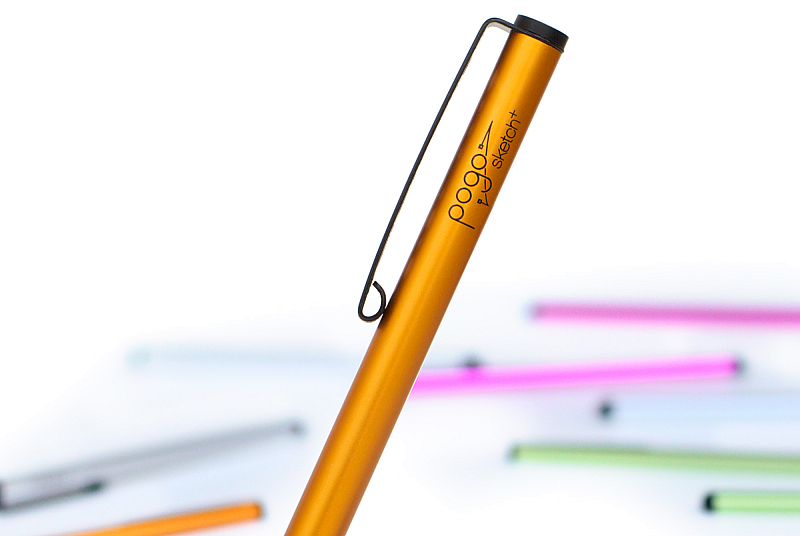
Pogo Sketch+ 2012 Edition
Pogo Sketch has been the industry standard iPad stylus for years. The 2012 edition incorporates a new tip providing more consistent and smoother operation.
When you love your tools, you enjoy your work.
We think you're going to enjoy using Pogo Sketch+.
When you love your tools, you enjoy your work.
We think you're going to enjoy using Pogo Sketch+.
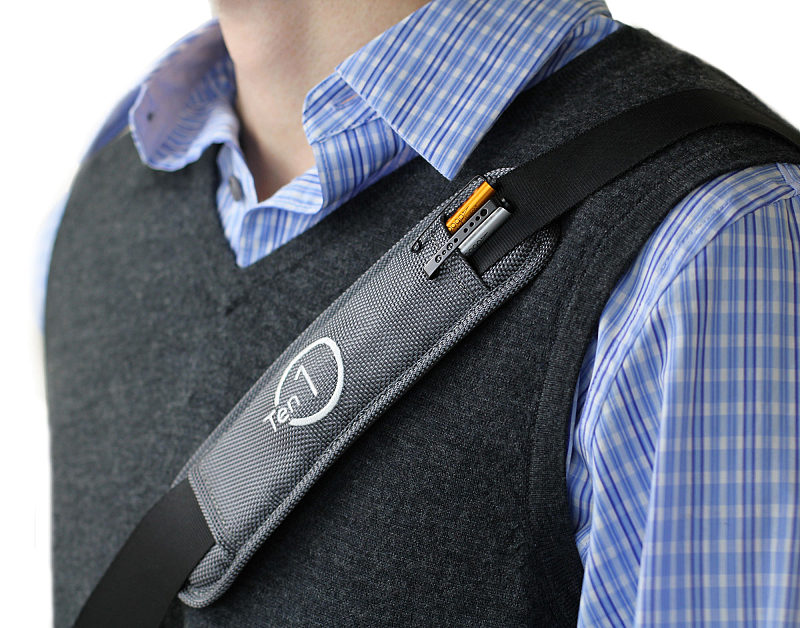
Strap on some style
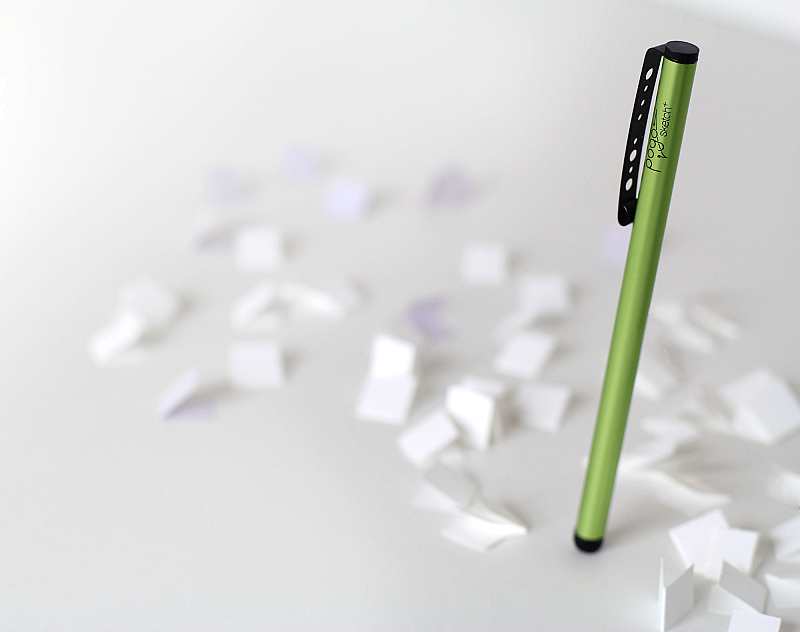
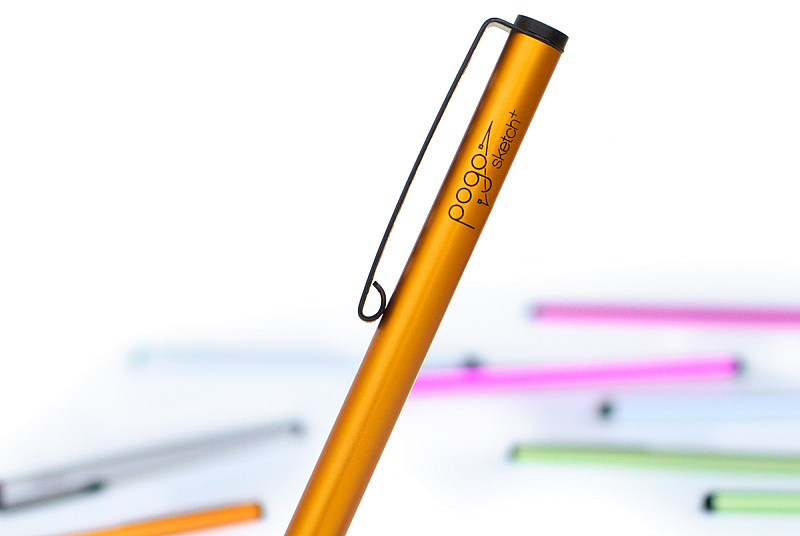
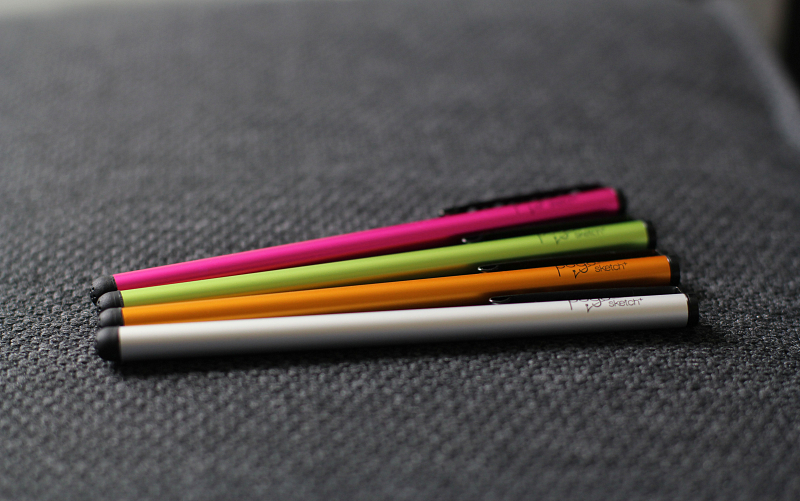
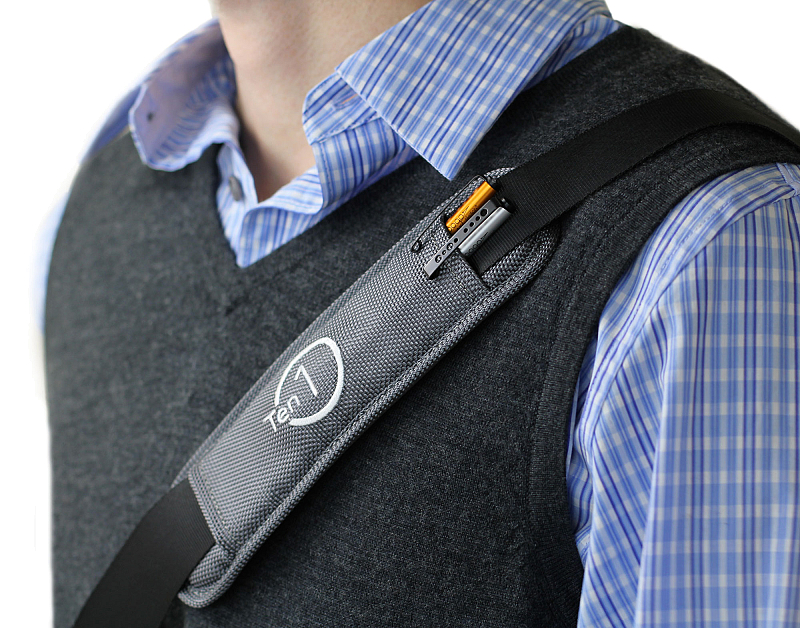
Pogo Sketch+ reprises everything you loved from the last version: bold colors, minimal design, and a highly flexible spring steel clip.
To this it brings the accuracy and low-friction of an all new tip. This tip leverages patent-pending advances from the Pogo Sketch Pro. You'll notice a huge difference.
To this it brings the accuracy and low-friction of an all new tip. This tip leverages patent-pending advances from the Pogo Sketch Pro. You'll notice a huge difference.
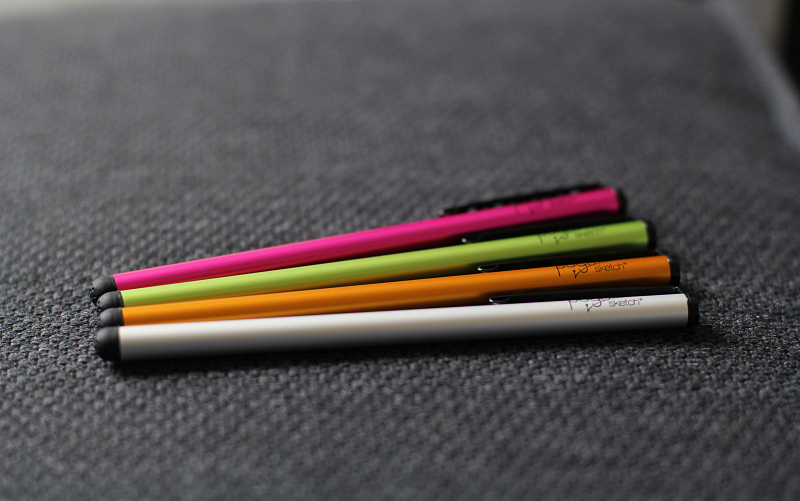
Solid construction
Pogo Sketch+ is built from aluminum, anodized for scratch protection and outstanding color.
If you're into math, there's even a binary-encoded message on the pocket clip. Cool right? (please say yes)
If you're into math, there's even a binary-encoded message on the pocket clip. Cool right? (please say yes)
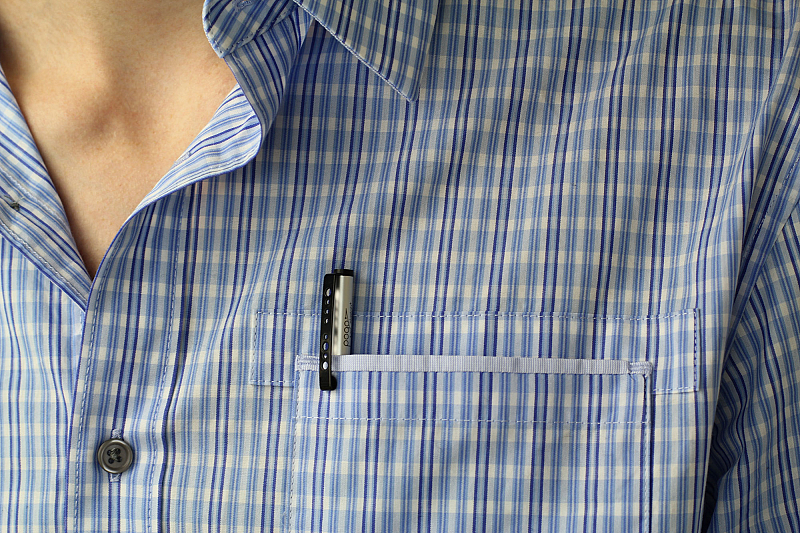
Go anywhere, use everywhere
- Express yourself on the iPad. Fingers are great, but when you need accuracy, look no further than the Pogo Sketch.
- Sign documents without printing or scanning. Great with Autograph signature capture program.
- Turn your MacBook trackpad into a pen tablet! With Inklet, your trackpad can emulate a pen tablet.
- Wear gloves in the winter? We do. Answer calls and surf the web all while keeping your hands toasty.
- Longer nails can be a problem with tablets. Using your Pogo Sketch, you'll soon find that problem is history!
- Sign documents without printing or scanning. Great with Autograph signature capture program.
- Turn your MacBook trackpad into a pen tablet! With Inklet, your trackpad can emulate a pen tablet.
- Wear gloves in the winter? We do. Answer calls and surf the web all while keeping your hands toasty.
- Longer nails can be a problem with tablets. Using your Pogo Sketch, you'll soon find that problem is history!

Express yourself on iPad
The soft tip glides easily over the surface of your trackpad, phone, or iPad display, making it fun and easy to sketch, take notes, or just slide to unlock.
Pogo Sketch+ is engineered for simplicity, usability, and well, looks. After all, looking good is feeling good.
Pogo Sketch+ is engineered for simplicity, usability, and well, looks. After all, looking good is feeling good.
